Weekend Project: Projected Framebuffers
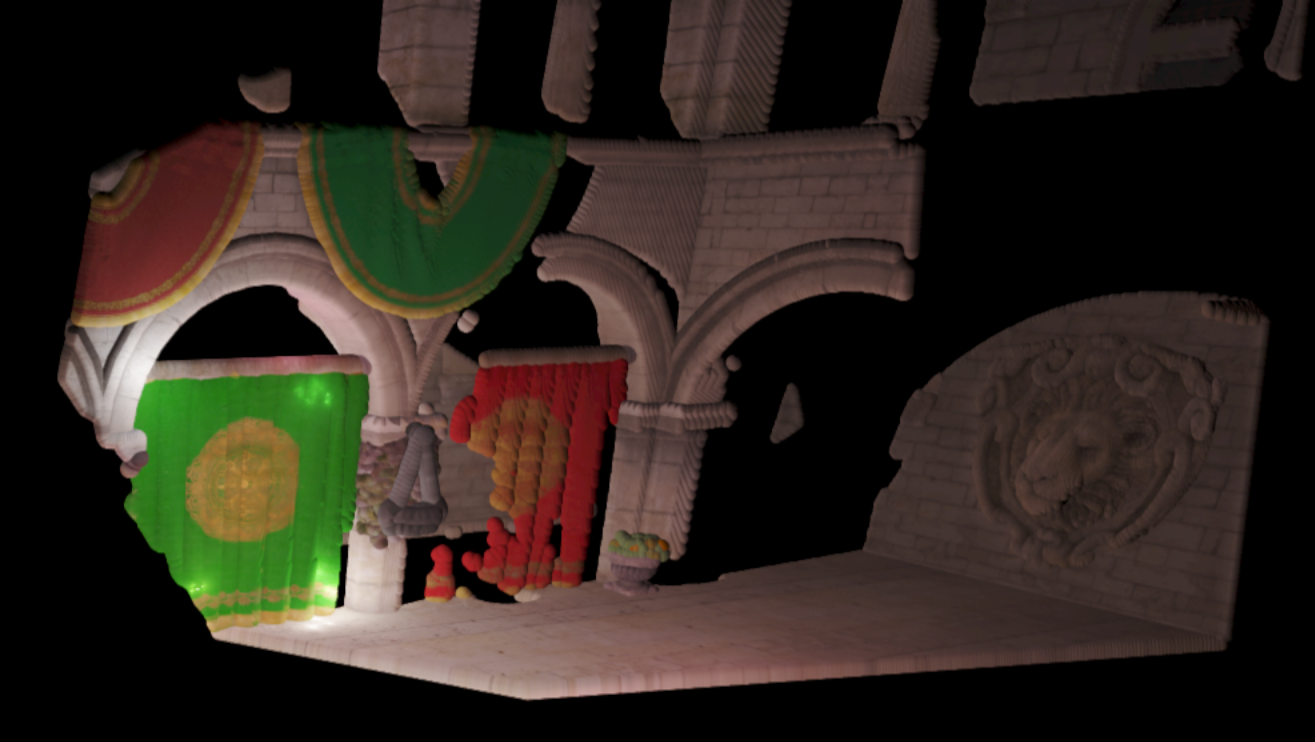
This project was inspired by a showcase post on the Graphics Programming discord. They were showing off a project where they were visualizing framebuffer texels as single-pixel-size graphics API points. It suffered from severe aliasing when the view was rotated, as you would probably expect, and I was curious if this might be an interesting application for the Point Sprite Sphere Impostors used in the Vertexture2 renderer. It's a cool look, I kind of thought about it like an interesting way to visualize a shadowmap - you may have to zoom in to see the spheres. There is one sphere for every texel in the framebuffer. This is also the first jbDE project to use the new texture manager.
Using the New Texture Manager
This has been one of my recent infrastructural projects on jbDE. I have long struggled with managment of textures, not really understanding the texture unit / sampler binding model very well. Often times, what I would do to manage a large number of textures, was set them up in known locations during initialization with glActiveTexture(), and then feed hard coded values to the shaders as uniforms, to correspond with the locations. It involved keeping lists on paper, and doesn't scale well at all. This sucks - big time.
What I decided to do, was to follow a model I had seen elsewhere, doing the Vulkan-style fill-out-the-struct approach to set all the parameters for the texture. By making the textureOptions_t struct general enough, I can use it so far for 2D textures, array textures, and 3D textures. In the future, I might want to add 1D and a few others. But the point is, I can let a lot of the parameters default - I can basically declare one of these structs, just fill out what the data type is, e.g. GL_RGBA16F, some other basic details like dimensions, pointer to the data, and pass it to the manager with the Add() function. Once this call happens, it will be registered to a list, the graphics API resource will be created and held for future use.
One of the big benefits is that the process of creating a complete texture, with minification and magnification filters, wrap modes, etc, goes from about 10 lines to about two - contingent on what parameters you can let default. The code becomes much more easily readable, and the signal-to-noise ratio is significantly improved. I can also reference them out of the manager with a string-based label, which is nicer than having to keep a pile of GLuint's around, or else using std::unordered_map<std::string, GLuint> (which is in fact a workable solution that I had been using as a stopgap for a while).
This makes the full setup of a deferred pipeline something like 8 lines of code. I was able to use this fact for this project, in order to set up three different framebuffer objects, and keep it well organized and coherent. Also, the passing of the textures to the shaders which use the render result becomes much easier, as well. Compute-based postprocessing becomes completely trivial to implement. It's a major tool in the toolbox to have a nice, easy interface to bind these resources as either filtered textures or read/write images at will.
The last point to hit on about the manager is the fact that I can keep the exact memory footprint for each resource, and report totals at the end of the startup initialization. I added some nice little things to it, like comma formatting on the numbers and a two-pass processing thing to set the width of the text fields so that they all match. Going through the list of textures that have been added to the manager, I can show all of them, with their corresponding label:
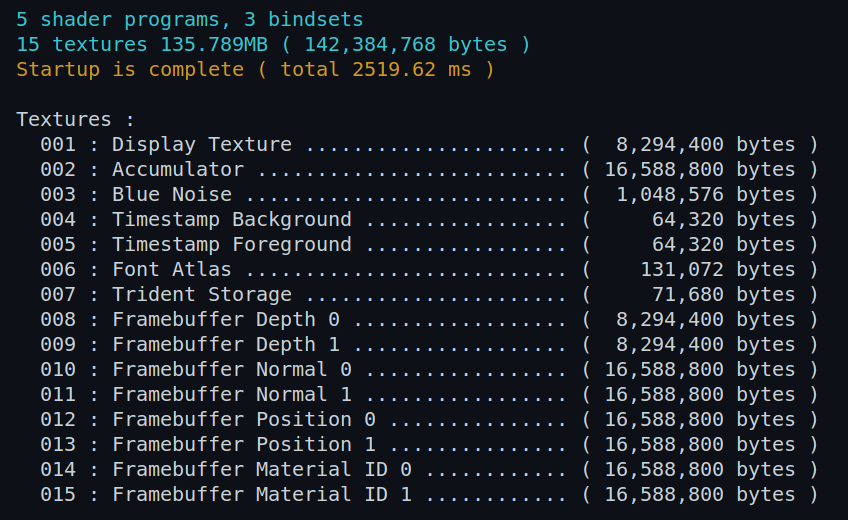
The bindsets that I implemented for VSRA will need to be rethought in light of this new set of capabilities. So that will be upcoming, and I do want to get that together before I soldier on with Voraldo14. I will need to add some kind of flag to let it know whether I want the things bound as textures or images. Something cool, too, is the fact that you can keep the textureOptions_t as part of the texture resource in the manager, so I can find out whatever I need to know about how it was created. That's important for being able to call glBindImageTexture().
How it Works
The structure of this code is relatively simple - I think the longest part was doing the model loading and setup of vertex stuff for the normal mapping. I had to add array textures to the texture manager, as I had done in the last project, where I used this Sponza model. I did some conversion on the textures, and adapted the data to match the array texture structure. This basically involves having all textures the same dimensions, in this case 2048x2048. There is some memory waste, but it doesn't go over a gig - one of those things where we accept that it is "good enough". One of the little changes I made was on the texture for the chain that hangs the little plant baskets - making it square, instead of a 4:1 rectangle, has no effect on the normalized texcoord references, but it does allow the texture to be packed into the array with the rest of the textures. So the data is distorted, on disk, but it really doesn't matter in practice.
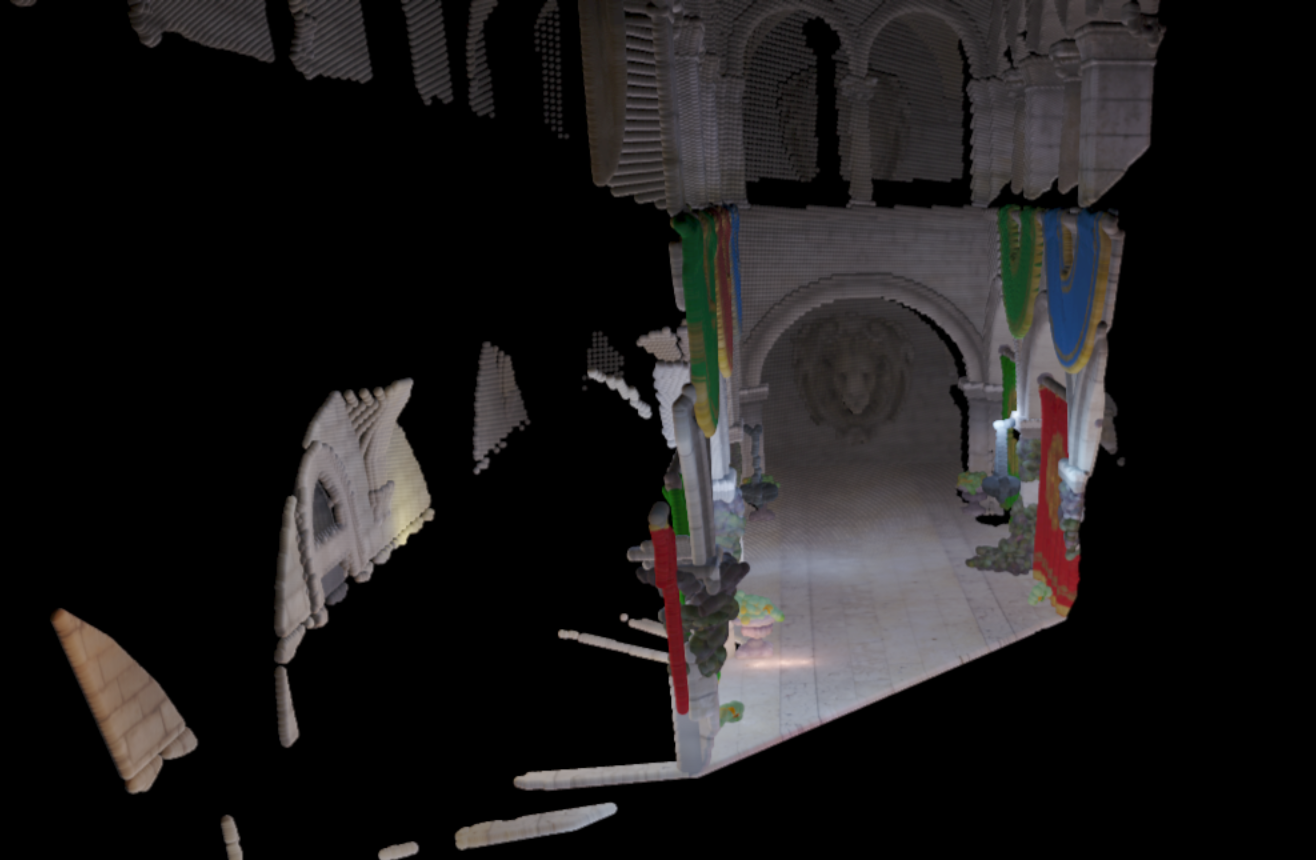
The general structure is basically like this: render to a framebuffer, of decoupled resolution, dispatch a compute pass to create a sphere in an SSBO for every framebuffer texel, and then run the Vertexture2 renderer on that SSBO data. By doing these steps, I can get outputs like what you see here - the framebuffer has a couple attachments, I basically largely ported it directly from SponzaExperiments, from last November. Doesn't seem like it's been that long, time flies. Anyways, I created albedo, position, depth, and normal attachments. Running the fragment shader, to write the values to those four targets, the values are prepped to be written.
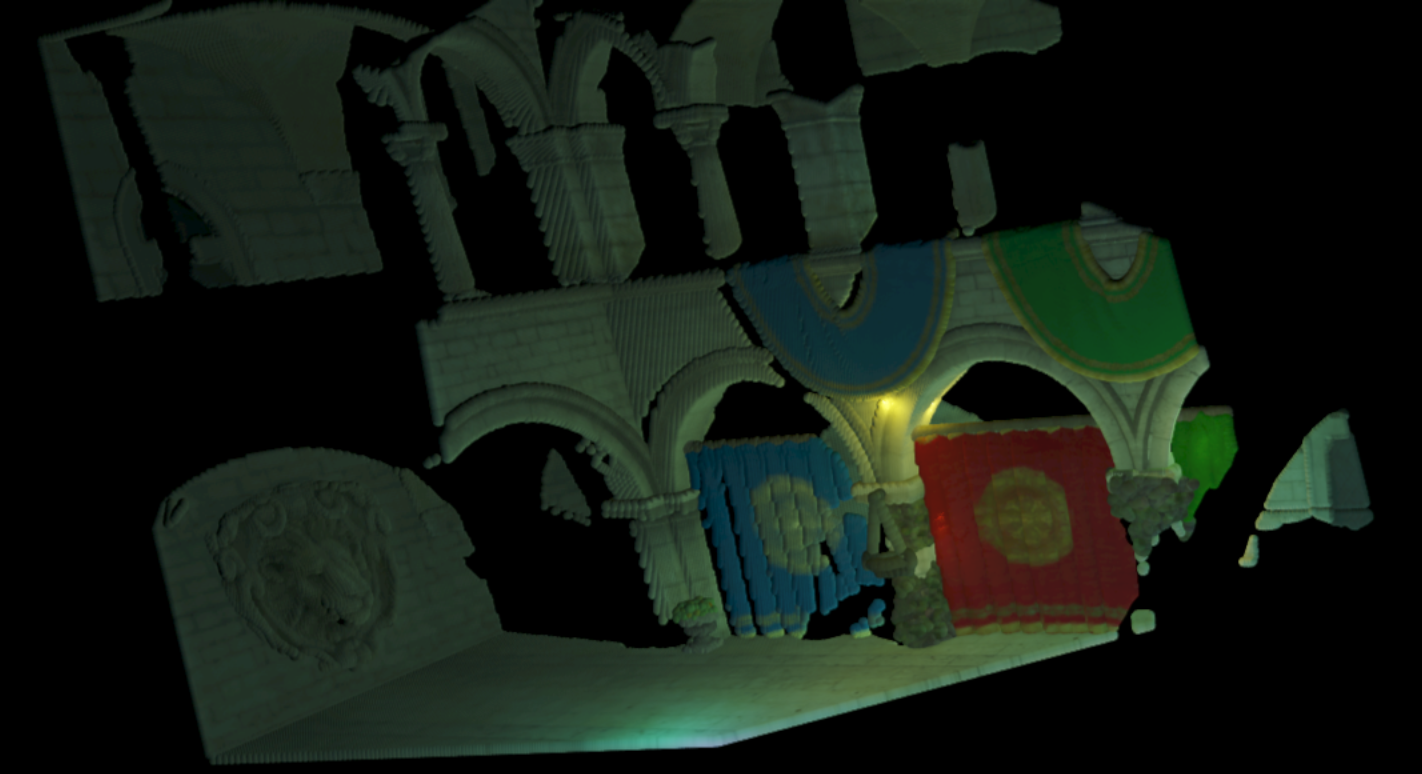
The next step is to dispatch the compute pass, and get the sphere data into the SSBO. This is fairly straightforward, just writing position, size, and color to the buffer. Unlike the Vertexture2 pipeline, which uses a materialID target, essentially as a visibility buffer to then refer back to the SSBO, this directly uses the albedo rendered out from the framebuffer object set up for rendering Sponza.
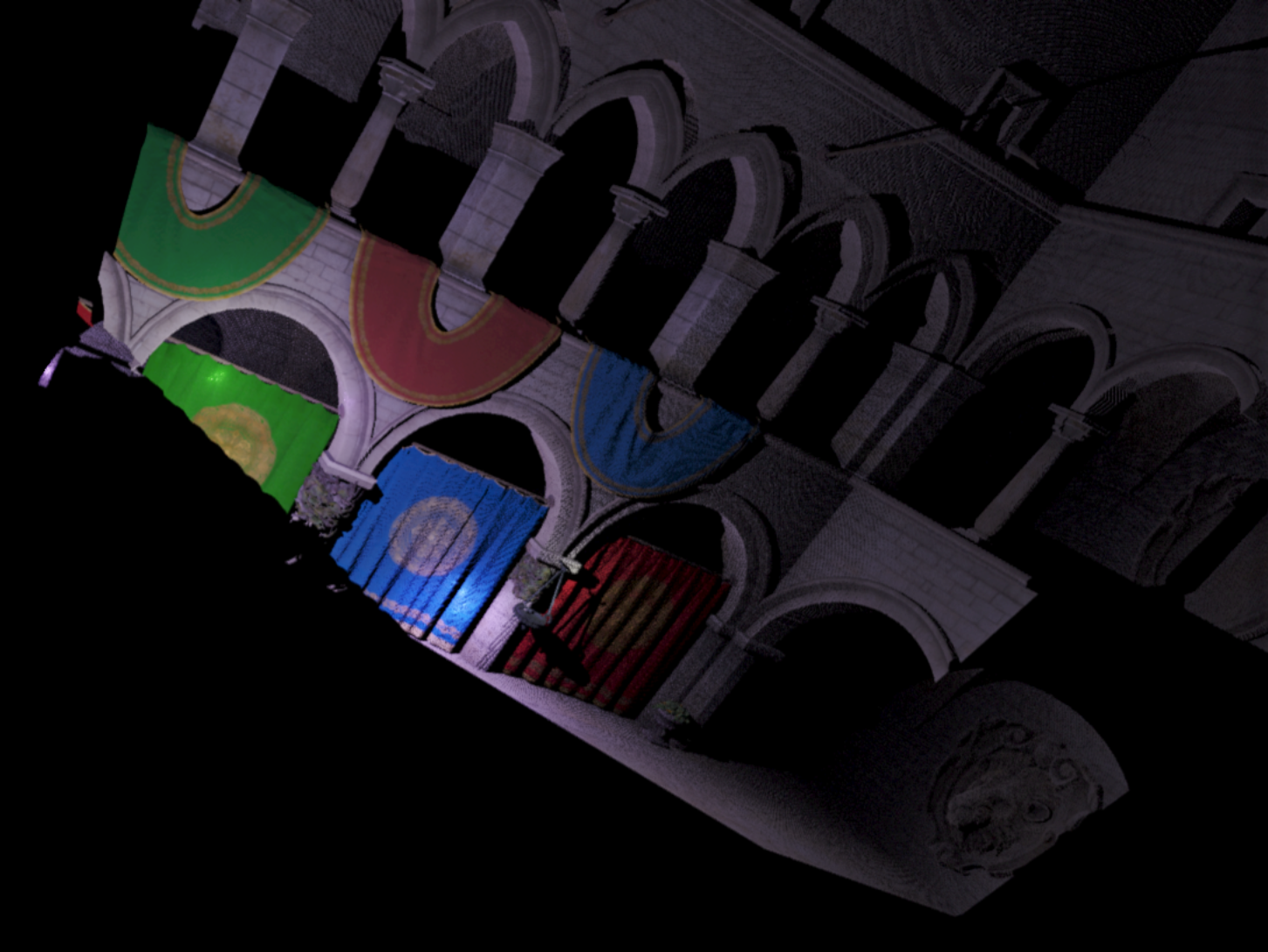
With enough resolution, you end up with a pretty high fidelity representation of the visible parts of the scene. I think this is an interesting look, but I don't think it goes anywhere. Just a cool little thing to play with. I messed with point size and resolution of the Sponza framebuffer, as you can see in the images on this page. This last one is the higest resolution one, at 3000 pixels square. You can see how it resolves all the textured surfaces.