Weekend Project: Fractal Flames
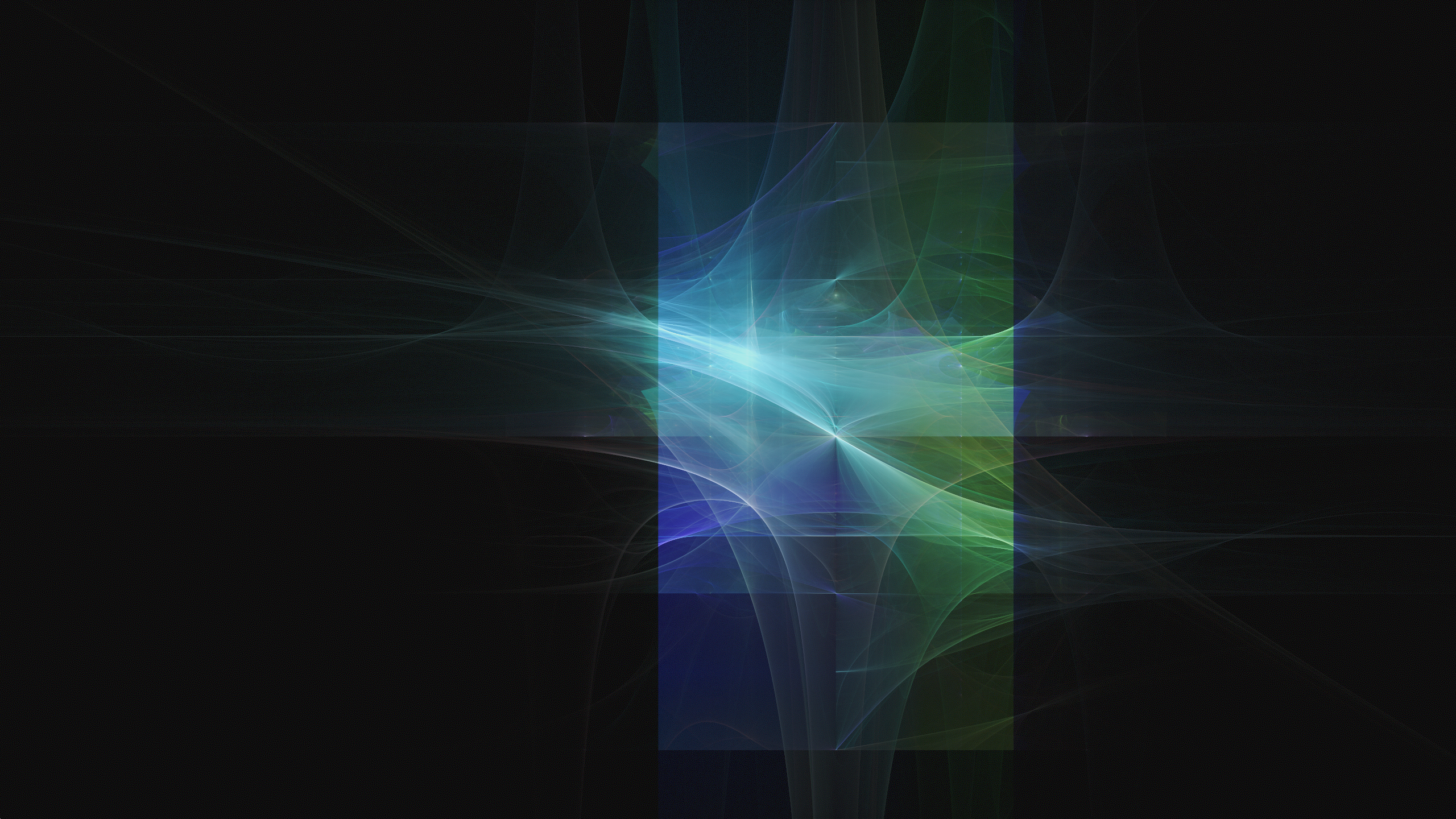
I've been meaning to look at IFS systems lately, in particular this type of fractal flames. Been keeping myself interested with a number of fun little projects, lately, catching up with some things that have been on my todo list for quite some time. When I was younger, I used to play with the fractal flame plugin, in GIMP, which would generate these types of images and gave an interesting way to explore different types by slightly changing initial conditions and parameters. This type of image generation was used in a lot of different media in the 90s and early 2000s, to create these random, ethereal types of surfaces.
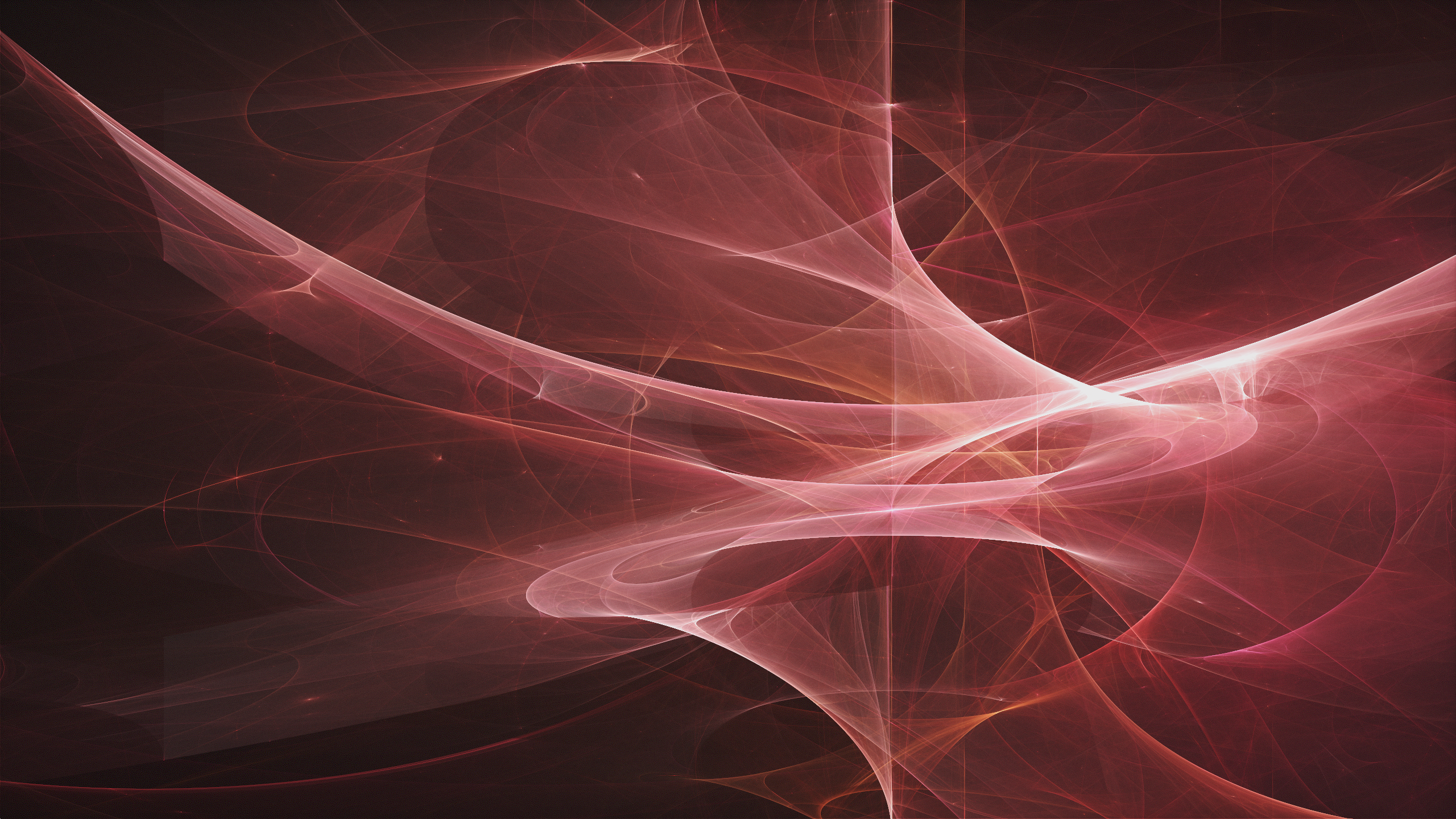
A friend had shared some information about this on his blog a little while ago - he has done pretty extensive experimentation with it and I've always been really impressed with his work. I have done couple of recent experiments have been meandering through similar territory. The first of these was really just incidental, implementing the RGB waterfall/parade graphs, where I was surprised to see that smooth gradients become these cool types of continuous surfaces. The second was the realtime caustics renderer, which used the same structure of doing atomic writes to an image for some similar looking distorted, continuous surfaces.
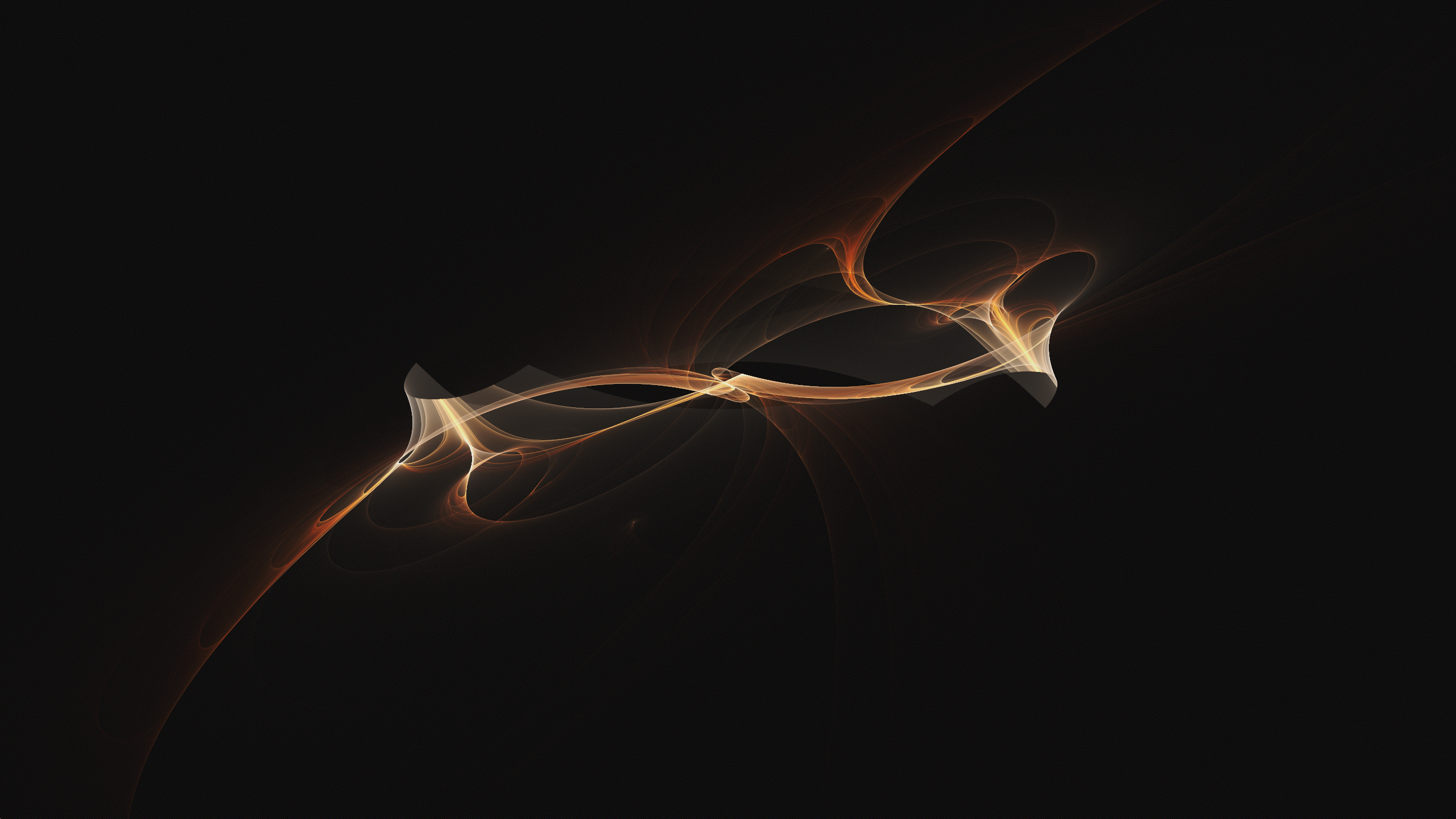
I found a good resource for doing arithmetic using GLSL vec2 as the base type. This was really helpful getting up and running with this - there are two papers I've found (Draves and Lawlor) that have a lot of very good visual references on what is going on here. The general structure is that we are applying recursive spatial transforms of the form p = f( p ). This takes a point in space, applies some kind of transform to it, and generates a new point. We do this with a random starting position, picking a random transform at each step, and do an atomic write at the projected position of p on the screen each time. Most of these are doing this about 30 times, with about 4 million invocations running per frame. It holds to a 60fps update on my Radeon VII machine with these parameters, so you get interactive click+drag to pan, scroll to zoom, using my orient trident to rotate it in 3D. Within a couple frames, usually well under a second (with some exceptions, in sparser areas), you can resolve these extremely smooth fractal flame images. I was surprised at just how fast it actually resolves, with this level of randomness.
Iterative Process
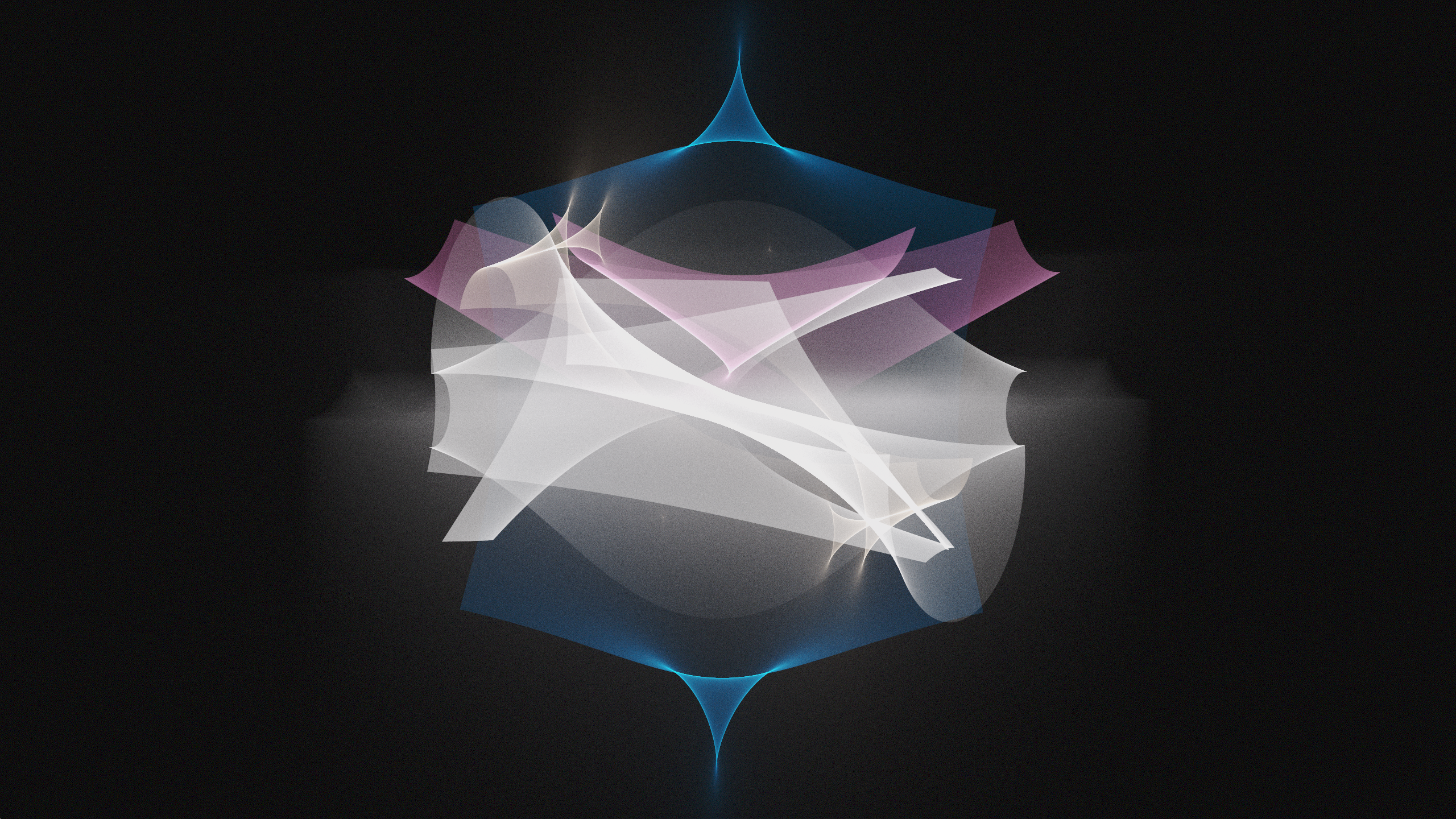
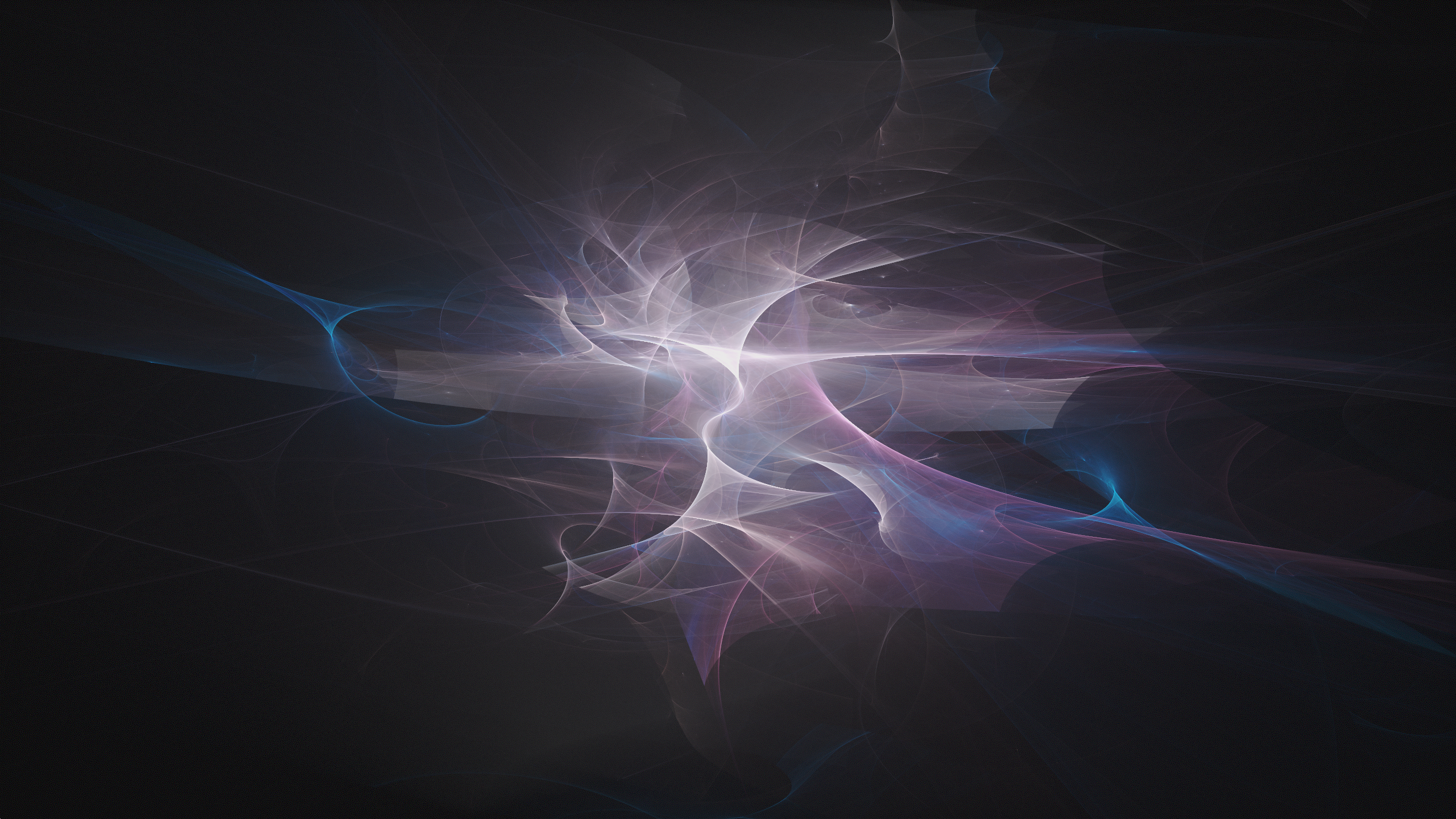
A cool visual, here, I think - the left is after a single iteration of this process of applying randomly selected transforms, right is after 30 iterations. You can see how much more complex the patterns get, doing it recursively. I'm really excited about this as a general algorithm, it's got countless numbers of different directions to go. You can use anything to do these transforms - noise, SDFs, complex arithmetic like these are doing, masking out areas of the space, the list is pretty much endless. Another fun thing to mess with more in the future. Something I want to try in the shorter term is using it to render nebula-type skyboxes for my pathtracer, Daedalus. Because the results of the transforms are 3D points, we can do the inverse of the equirectangular projection that is used when sampling HDRI environment maps, to put them onto the surface of a projected sphere.
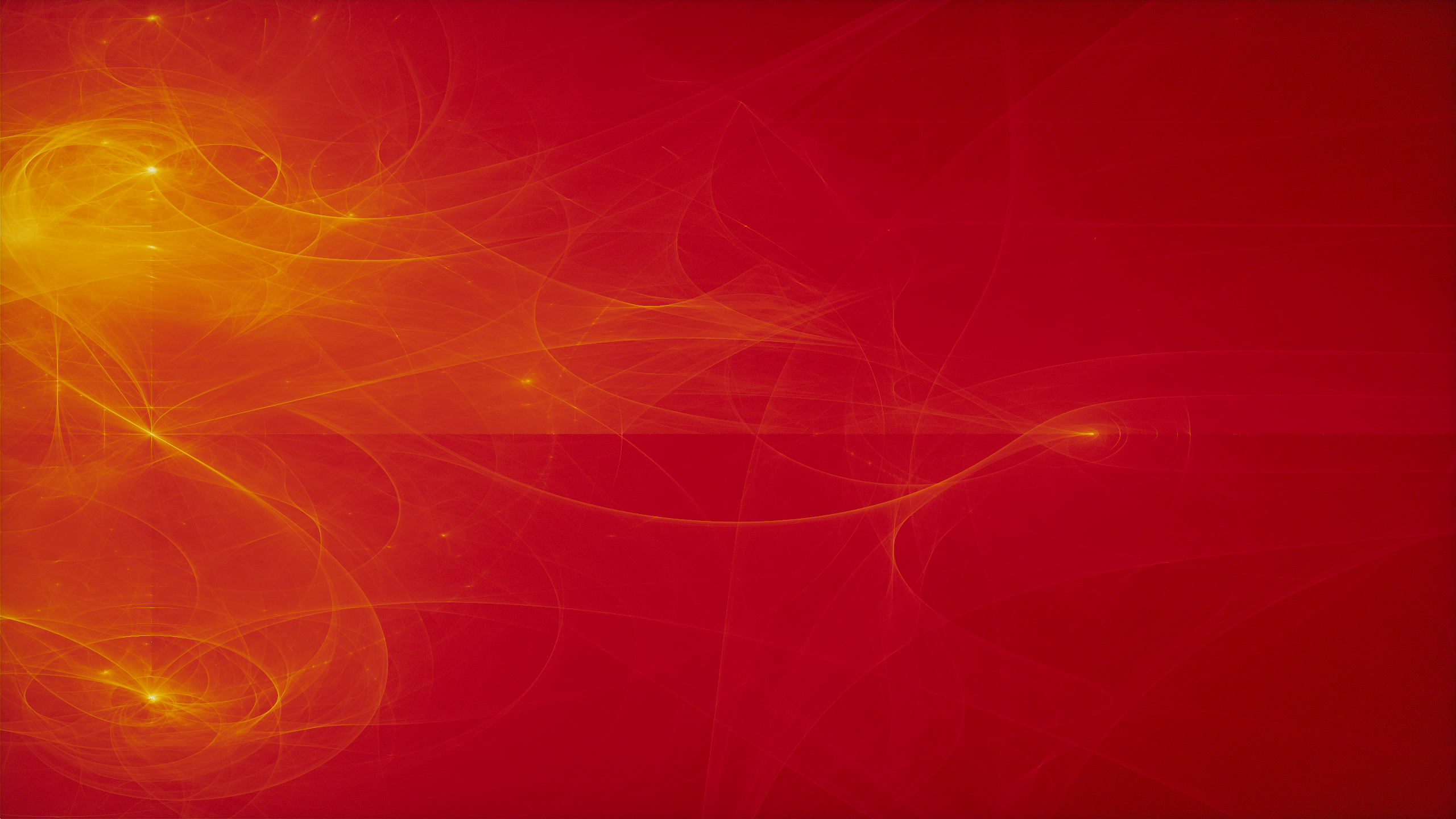
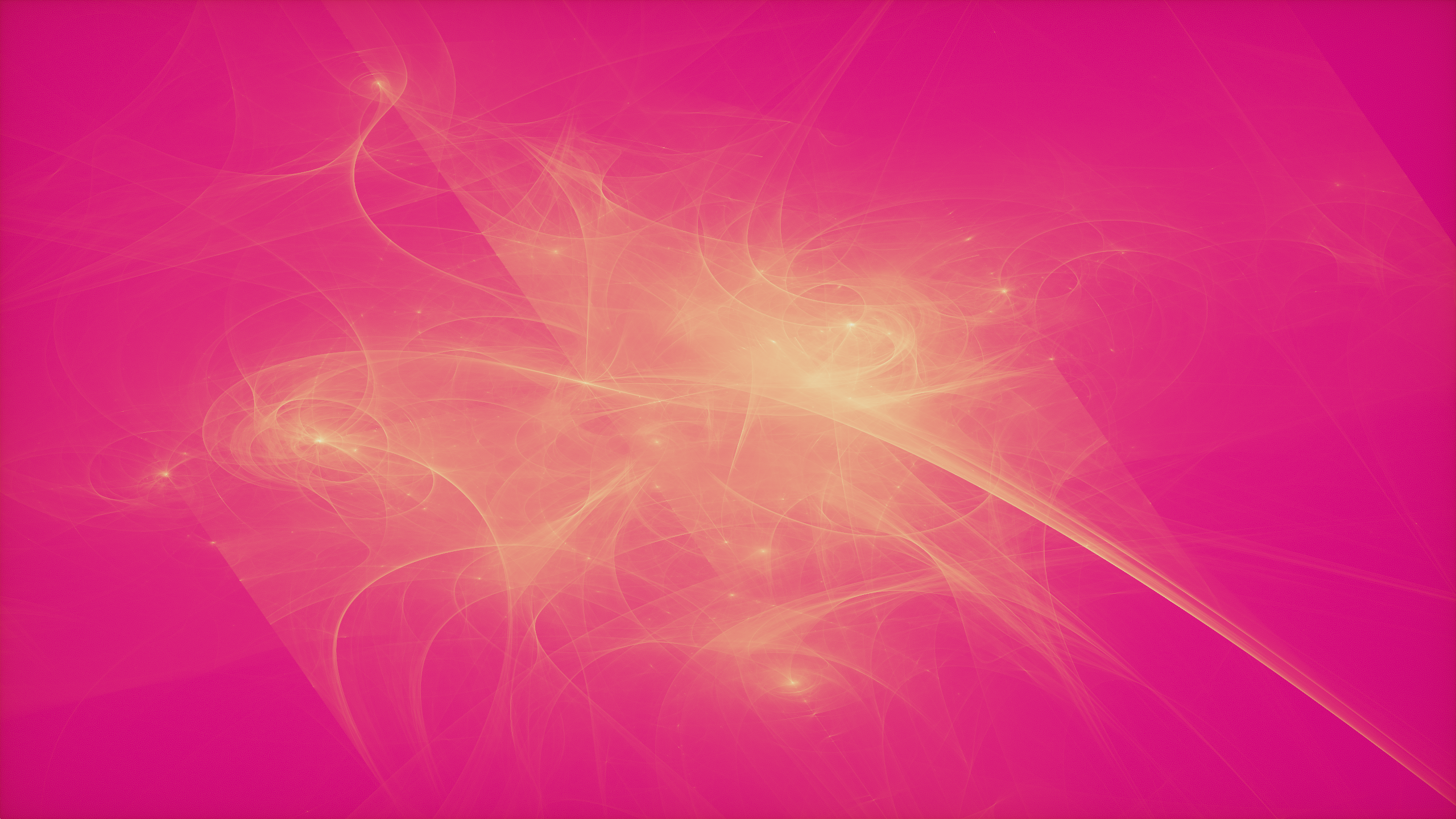
Some other implementation details - I started by doing this with a single R32UI buffer, doing atomic writes and maintaining an image-wise maximum value with atomicMax. Then, when prepping the image to display, you can normalize the values by dividing by the max and get everything in the range 0 to 1. From there, you can map the value to a palette quite easily, do brightness adjustments, raise the value to a power, things like this. That's pretty neat, but it lacks variation, solid color backgrounds, ends up looking kind of flat.
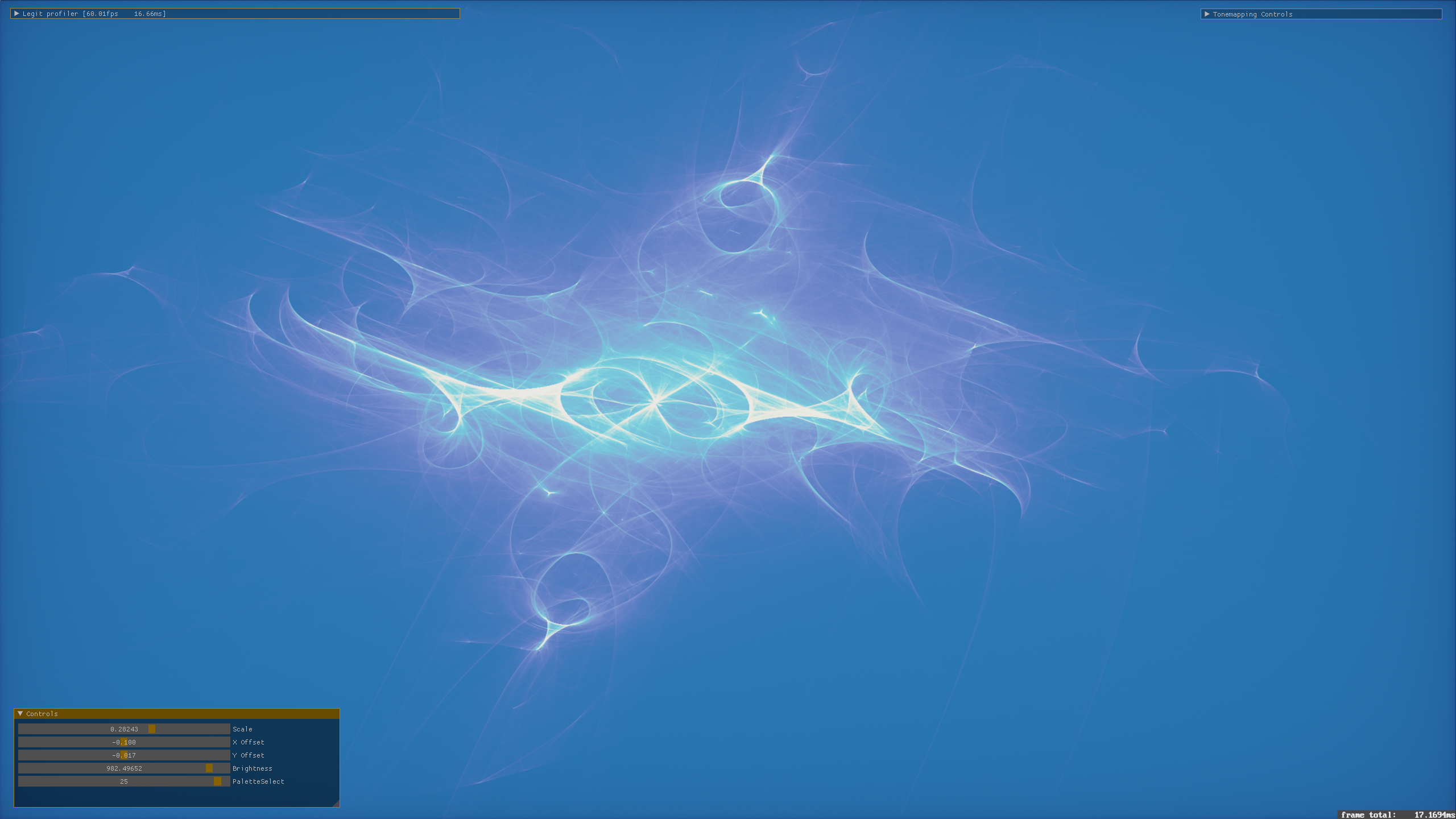
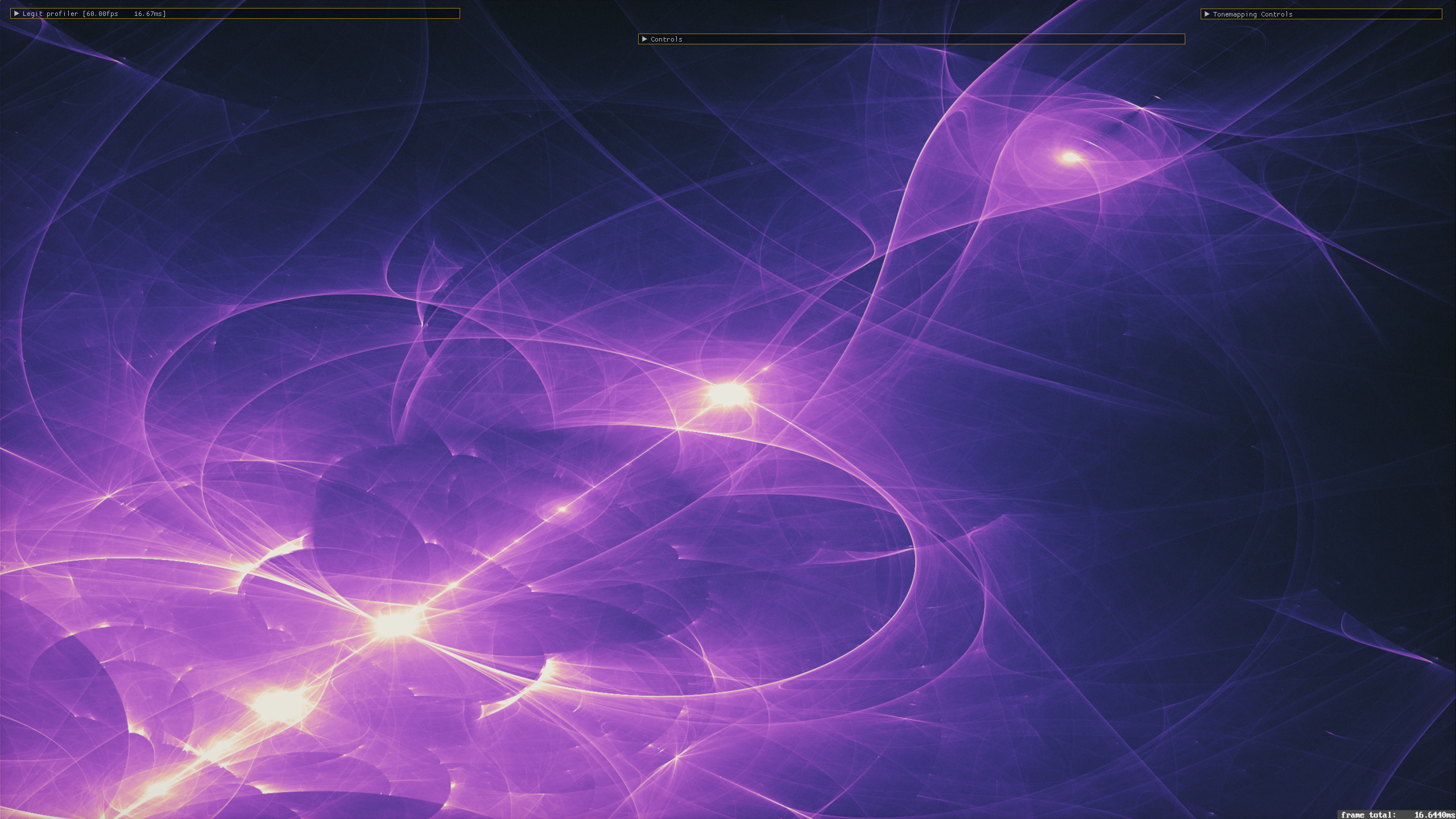
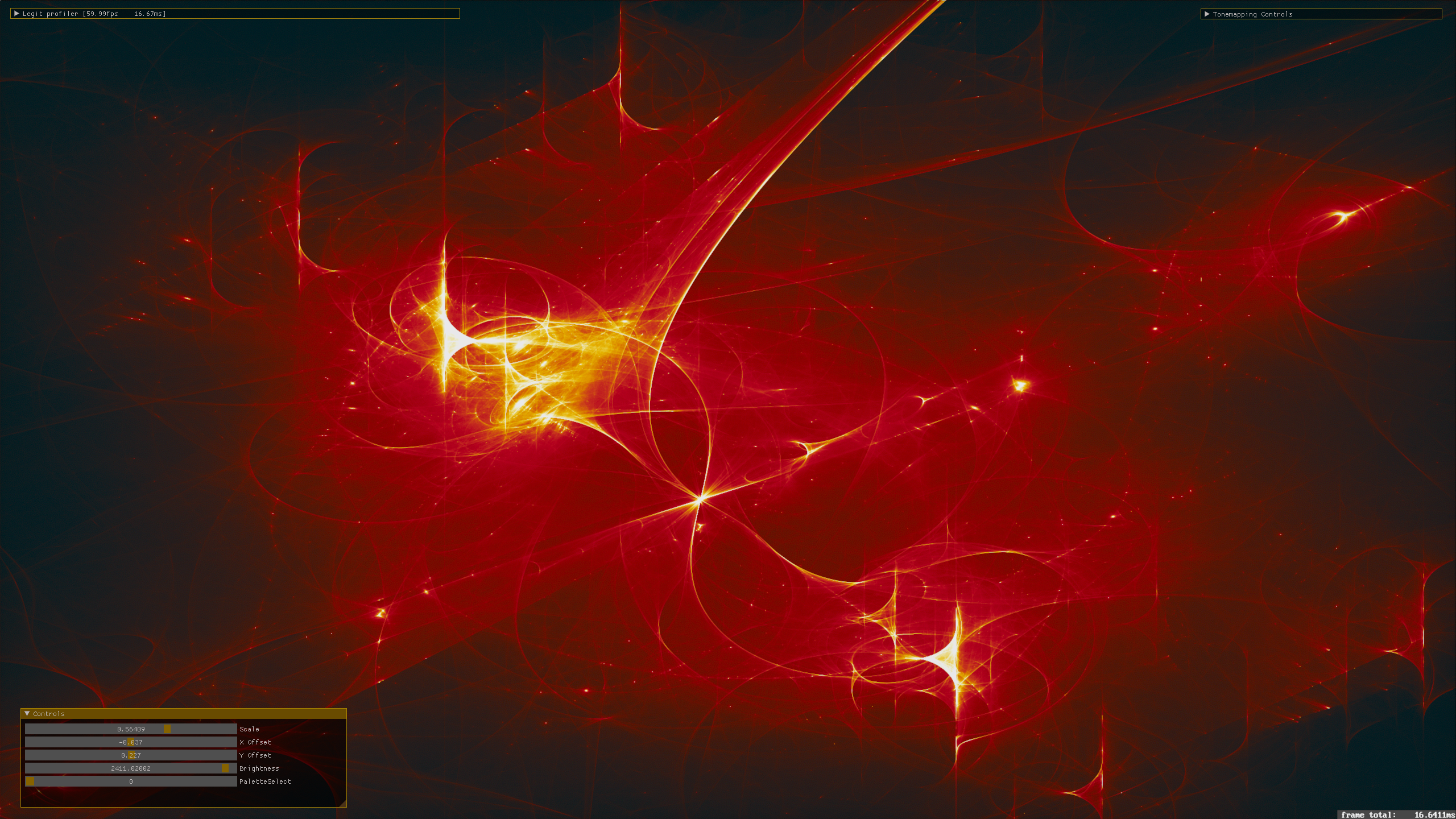
So from there, I basically just allocated three of the same textures representing three color channels, kept three maximums. When writing to the images, I weighted the writes to each with the channels of a color value that I adjusted by a different amount, when different transforms were picked. For example - initializing this running color with vec3( 1.0f ) white, a particular transform might multiply this by some red value, decreasing the green and blue components. When writing the point at the resulting projected, transformed location, this running color is used as a weight to made a larger contribution to the red channel than the green and blue. Doing this with different colors for the different transforms, you can get some of these very interesting color variations like you can see on this page.